LINKEDIN · CAROUSELS
An AI LinkedIn carousel generator
that posts the PDF too.
A LinkedIn carousel is a PDF document post: readers swipe its pages in the feed. An AI LinkedIn carousel generator should write every slide, design them in your brand, export the PDF and post it as a document — not as a gallery of images. PaperFlight does all four. Want one by hand first? Our free PDF carousel maker runs in your browser, no sign-up.
THE SHORT ANSWER
Use the free maker if…
You have the words and want one carousel now — type your slides into our free LinkedIn carousel maker and download the PDF.
Choose PaperFlight if…
You want a carousel worth saving every week, written and designed for you, posted as a document, and turned into a voiced video for the other channels.
LinkedIn document posts, and what PaperFlight makes
File types
- PDF, PPT, PPTX, DOC, DOCX
- LinkedIn allows
Size and pages
- Up to 100 MB and 300 pages
- LinkedIn allows
- A tight deck, usually six to ten pages
Posted as a swipeable document
- LinkedIn allows
- Yes — on a personal profile connected directly
Company pages
- Can post documents
- LinkedIn allows
- Get the pages as an image post
Designed in your brand
- LinkedIn allows
- Yes — colours, fonts, logo, your last slide
Same deck on other channels
- LinkedIn allows
- Instagram carousel, and a voiced short video
How a carousel gets made
The CMO picks the idea from your week plan — a framework, a checklist, a myth vs fact, a before and after. The Writer writes a hook page, one point per page and a last page that asks for the action; a critic sends weak decks back. The Designer draws every page in your look at a print-quality PDF, and the caption puts the point in the first line.
The same deck goes to Instagram as a carousel and becomes a voiced short video for Reels, TikTok and YouTube Shorts.
Posting it
You pick how much it does alone: Approve & schedule (every post waits for your yes) or Autonomous (it publishes inside a daily cap and quiet hours, and Stop everything sends what is scheduled back to drafts).
Where a design tool is better
- One-off, highly custom layouts.
- Decks built from your own photos and screenshots page by page.
WHAT IT MAKES · EXAMPLE
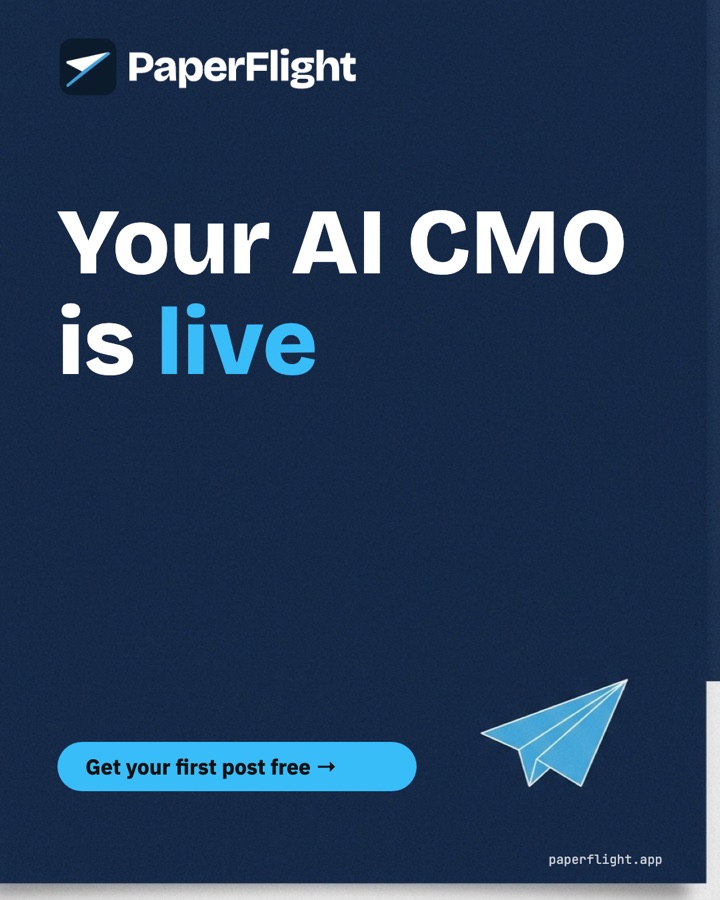
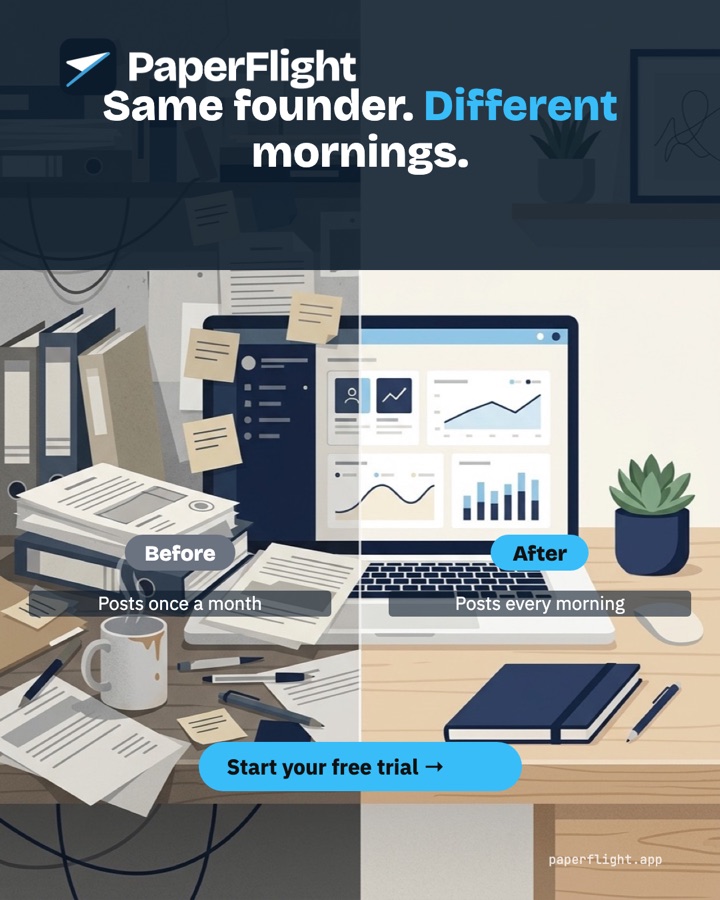
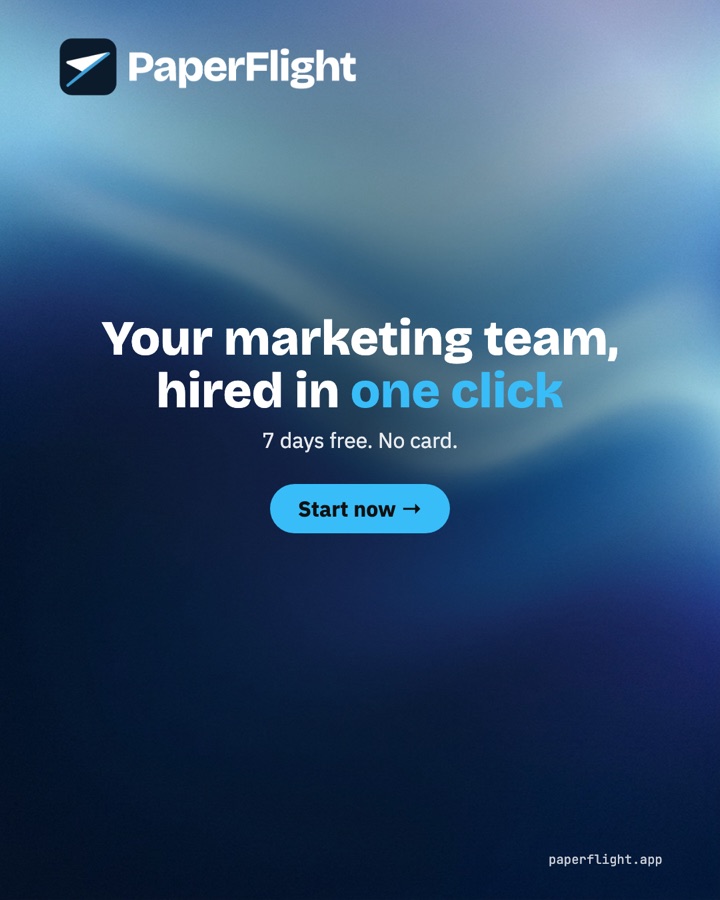
Posts in your look, every morning.
Three posts PaperFlight's Designer made for PaperFlight's own brand — the same team makes yours, in your colours, fonts and logo.
What buyers ask.
- How do I make a LinkedIn carousel with AI?
- Have AI write one point per page, design the pages at a portrait size, export one PDF and upload it as a document post. PaperFlight does every step, including the posting.
- Is there a free LinkedIn PDF carousel maker?
- Yes — ours runs in your browser with no sign-up: type the slides, pick colours and a typeface, download the PDF.
- Does it post a real carousel or images?
- On a personal profile connected directly, a real document post with the PDF. Company pages connected through our publishing partner get the pages as images.
- Can I try it free?
- Yes — 7 days, no card. Your CMO drafts the first post on day one.
Hire the team. Keep your mornings.
7 days free, no card. Your CMO drafts the first post today; you approve it, or let it run on its own.
Last checked 11 October 2026. Prices of other products are as their sites showed on that day and change often — check before you buy.