FACELESS VIDEO
Faceless video posts,
made from your slides.
Faceless video is the easiest video to post every day: slides in your brand, a voice explaining each one, music low underneath — no camera, no editing. PaperFlight's Writer writes a spoken line for every slide, the voice is made first, each slide lasts as long as its line, and the video goes to Instagram, TikTok, YouTube and, if you choose, your LinkedIn profile. PaperFlight is an AI CMO with its own team: a CMO that plans the week toward your goal, a Researcher, a Writer, a Designer that makes every post in your colours, fonts and logo, a Publisher that posts to LinkedIn, X, Instagram, TikTok, YouTube, Facebook, Threads and Bluesky, and an Analyst that reads the results and tells the CMO what to change.
THE SHORT ANSWER
An avatar tool fits if…
You want a talking-head presenter on screen, or video translated into many languages.
Choose PaperFlight if…
You want explainer videos from the same ideas as your posts — designed in your brand, voiced, and published with them — without filming anyone.
Where the video goes
Instagram Reels
- Channel
- Yes — automatically with the post
TikTok
- Channel
- Yes — automatically with the post
YouTube Shorts
- Channel
- Yes — automatically with the post
LinkedIn
- Channel
- Native video on a personal profile when you choose “the video” for it
Shape
- Channel
- 4:5 feed by default; full-screen 9:16 if you choose
Voice
- Channel
- PaperFlight's own calm voice — no recording, nobody's cloned voice
LinkedIn accepts feed videos from 3 seconds to 15 minutes (10 from the mobile app), from 1:2.4 to 2.4:1 (LinkedIn Help).
Why the voice comes first
Most slide videos give every slide the same few seconds. PaperFlight records the voice first and lets each slide last its line plus a beat, so the viewer hears the explanation while the slide is on screen. Music sits under it at a low level.
Posting it
You pick how much it does alone: Approve & schedule (every post waits for your yes) or Autonomous (it publishes inside a daily cap and quiet hours, and Stop everything sends what is scheduled back to drafts).
Where other video tools are better
- Talking avatars and lip-synced presenters.
- Your own voice — PaperFlight uses its own.
- Long-form video and editing footage you filmed.
WHAT IT MAKES · EXAMPLE
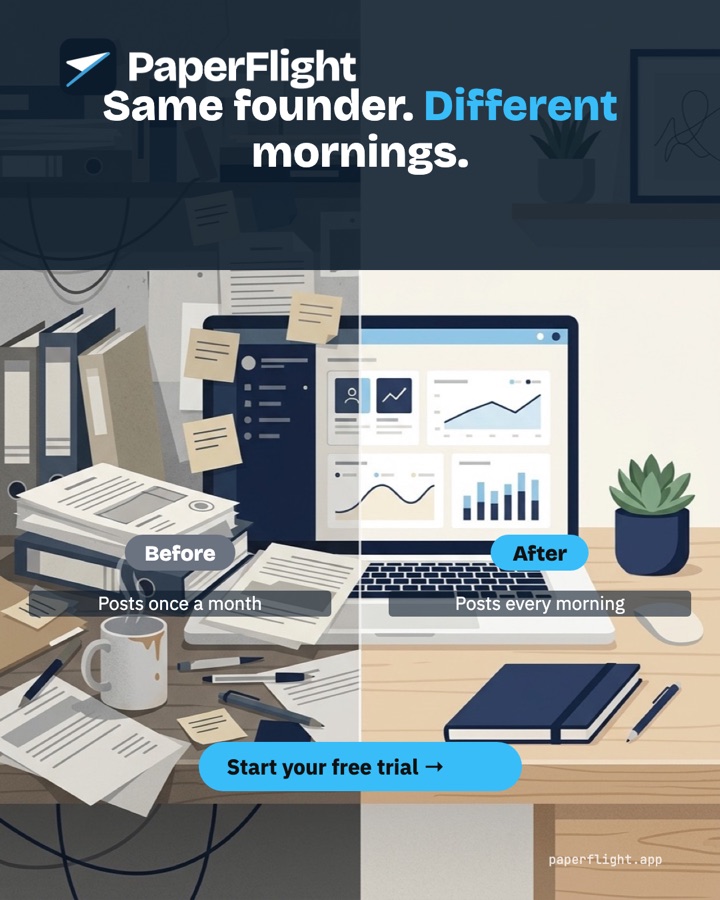
Posts in your look, every morning.
Three posts PaperFlight's Designer made for PaperFlight's own brand — the same team makes yours, in your colours, fonts and logo.

What buyers ask.
- What is a faceless video post?
- A video without a person on camera — usually slides or graphics with a voiceover and music. It is quick to make every day and works on Reels, TikTok, Shorts and LinkedIn.
- Can I post faceless video on LinkedIn?
- Yes. PaperFlight posts native video to a personal LinkedIn profile connected directly when you choose the video for LinkedIn on the post.
- Can it use my voice?
- Not today — it uses PaperFlight's own calm voice.
- How do I turn slides into a video with a voiceover?
- Write a spoken line per slide, record the voice, set each slide to its line's length, add music low, export vertical. Our guide walks through it; PaperFlight does it for every deck.
- Can I try it free?
- Yes — 7 days, no card. Your CMO drafts the first post on day one.
Hire the team. Keep your mornings.
7 days free, no card. Your CMO drafts the first post today; you approve it, or let it run on its own.
Last checked 11 October 2026. Prices of other products are as their sites showed on that day and change often — check before you buy.