FOR AGENCIES
Every client's social. One console.
Run posting for many clients the way one founder runs it for one business: each client with its own AI marketing team, posting every day in its own voice, with results you can show them.
WHAT CHANGES
More clients, without more mornings.
Every client, kept apart
Each client has its own brand, voice, look, channels and CMO. Their posts, rules and results never cross into another client's.
One queue for every yes
Every post waiting across all your clients in one list. Approve, change or send back without opening each client.
Clients approve their own
Invite a client to sign in with a one-time code. They see their upcoming posts and approve or send them back. Nothing else.
A client set up in one sitting
Add a client, give their website, and PaperFlight reads it for their voice, offer and look. Connect their channels and they post tomorrow.
Results you can show them
Reach, clicks and website visits per client, per channel and per post, with what to do next. Export it for the monthly report.
Your team, on the clients they run
Invite your people to the clients they work on, as owners or editors. Everyone sees only their clients.
EXAMPLE POSTS
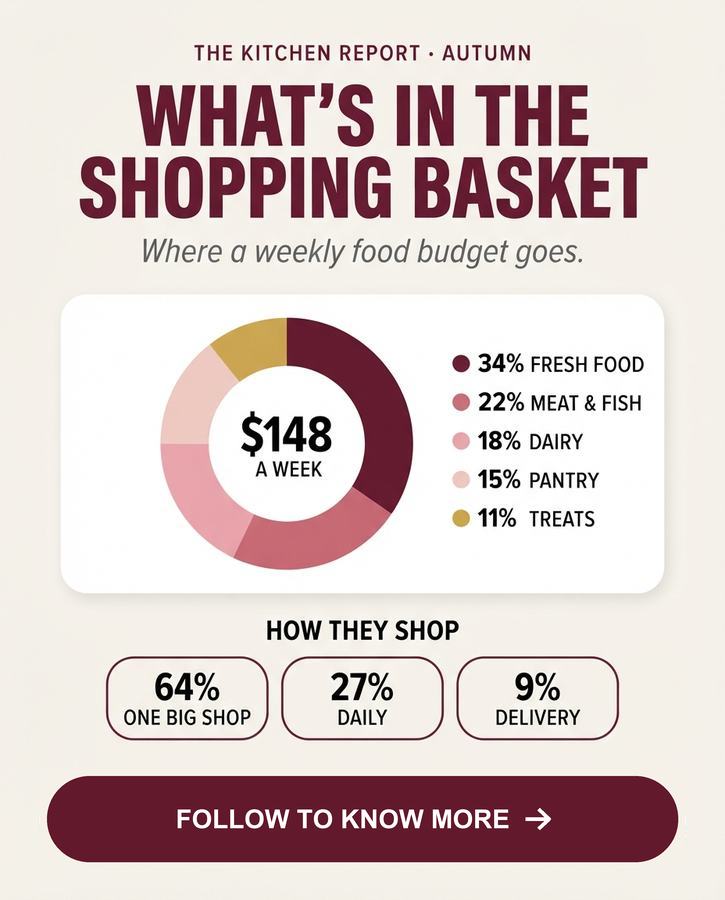
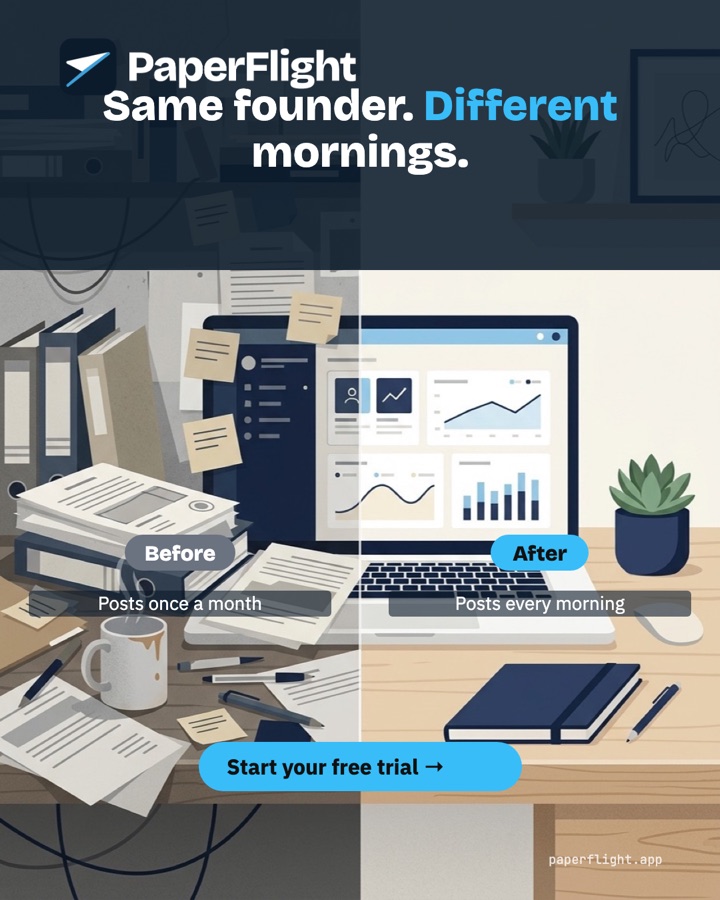
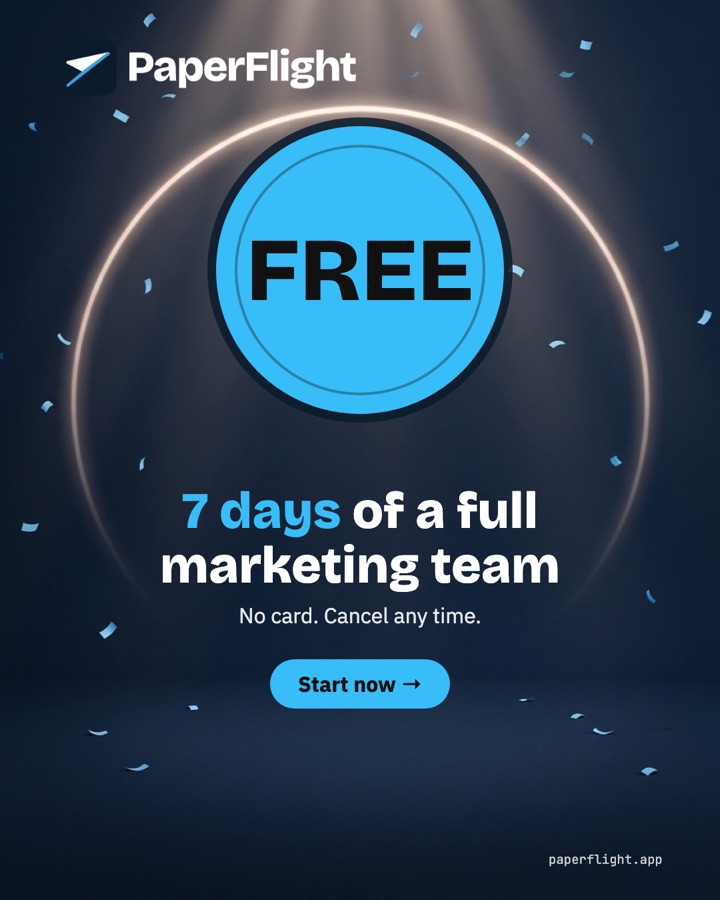
Every client in its own look.
Each client's colours, fonts and logo, in the style that fits each post. A few of the looks PaperFlight draws.







A CLIENT'S FIRST WEEK
From website to first post in one sitting.
Add the client
Their name and website. PaperFlight reads it: voice, offer, who they serve, colours.
Check the brand
Correct anything that's off, with AI to write what's missing. Add their logo.
Connect their channels
Sign in to their LinkedIn, Instagram, X and the rest, once.
Decide who says yes
You, the client in their portal, or nobody: it runs on its own inside quiet hours.
Watch it work
Their first post is made while you watch. After that, every morning on its own.
THE CLIENT PORTAL
Your clients say yes. Without the email chains.
Invite a client and they get one page: their upcoming posts, each one to approve or send back with a note. You see every answer in your queue.
- ApproveSend back
Tue 09:00 · LinkedIn · Instagram
Nine teas, two farms, and how to brew each one.
- ApproveSend back
Thu 09:00 · Instagram · TikTok
The 3-minute rule for a better first cup.
- ApproveSend back
Sat 10:30 · LinkedIn
Meet the family behind our oolong.
QUESTIONS
Before you talk to us.
How is the agency plan priced?
One bill for all your clients, priced for how many you run. Tell us about your agency and we set it up with you.
Can my clients see each other?
No. Every client is its own workspace. A client who signs in sees only their own posts.
Do my clients need an account?
Only if you want them to approve posts. They sign in with a one-time code sent to their email; no password.
Can I start with one client?
Yes. Sign up, add your first client, and ask for the agency plan when you are ready to add more.